
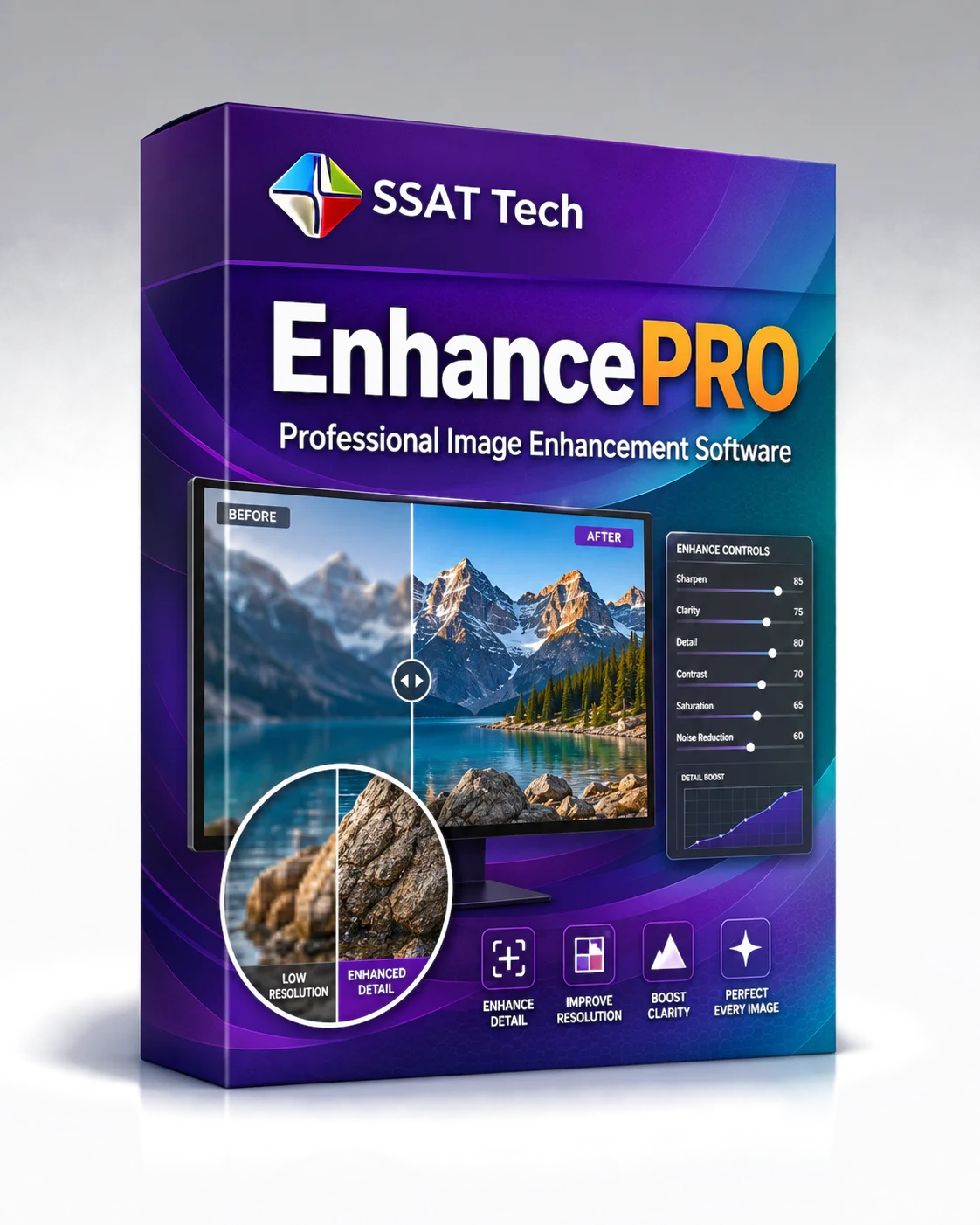
Coming soon
Professional Image Enhancement Software
EnhancePRO
Reduce manual artwork cleanup with faster, repeatable enhancement performed locally before proofing, imposition, or final production.
- Improve low-quality raster artwork.
- Enhance visible image detail.
- Improve resolution for demanding work.
- Boost clarity before production.
- Refine image appearance consistently.
- Prepare artwork for downstream SSAT Tech workflows.
Production advantages
Why production teams choose EnhancePRO.
Benefits that extend beyond individual features—helping teams reduce handling, improve repeatability, and keep production moving.
Reduce artwork-cleanup labour
Streamline the preparation of low-quality raster artwork before it reaches later production stages.
Faster repetitive enhancement
Apply a focused, repeatable improvement stage across recurring image-preparation work.
Local desktop processing
Keep image enhancement on the production workstation rather than depending on remote cloud processing.
Avoid upload/download cycles
Reduce unnecessary transfers of large or sensitive raster artwork merely to improve it.
Clearer production artwork
Improve visible detail, resolution, and clarity before proofing or imposition.
Flexible low-cost seats
License EnhancePRO alone or combine it with ProofingPRO and ImposePRO as the workflow expands.
Not tied to one device
A seat represents an active licensed session, not a permanently designated terminal, laptop, or operating system.
Desktop platform roadmap
Planned first for macOS, followed by Windows 11 and Ubuntu Linux editions.
Better downstream preparation
Prepare artwork for a smoother handoff into ProofingPRO review and ImposePRO production.
Capabilities
What EnhancePRO is designed to help you do.
Reduce manual artwork cleanup with faster, repeatable enhancement performed locally before proofing, imposition, or final production.
Artwork improvement
Prepare low-quality raster artwork for more demanding production work.
Detail enhancement
Bring greater visual definition to image content that needs refinement.
Resolution improvement
Improve raster resolution before the artwork enters later workflow stages.
Clarity boost
Strengthen visible clarity so artwork is easier to assess and prepare.
Consistent refinement
Apply a focused enhancement stage before proofing or imposition.
Downstream preparation
Ready artwork for connected ProofingPRO and ImposePRO workflows.

Product screenshots
See the workflow before you install.
This section is ready for approved screen captures of the main workspace, task controls, and representative output. Real product screenshots will replace these staging placeholders.
Screenshot 01
Main workspace
Approved product capture required.
Screenshot 02
Focused task controls
Approved product capture required.
Screenshot 03
Result / output view
Approved product capture required.
Tutorial-led support
Learn EnhancePRO through practical work.
Product-overview and task tutorials will use real screens, guided zoom and pan, highlighted controls, before/after views, and synchronized narration.
- EnhancePRO product overview
- Improve low-resolution artwork
- Enhance image detail
- Boost clarity
- Compare before and after results
- Prepare artwork for proofing or imposition
Works well with…
A connected SSAT Tech workflow
Relevant tutorials will point to complementary SSAT Tech products when their features naturally support the task being taught. Explore Tutorials / Learn